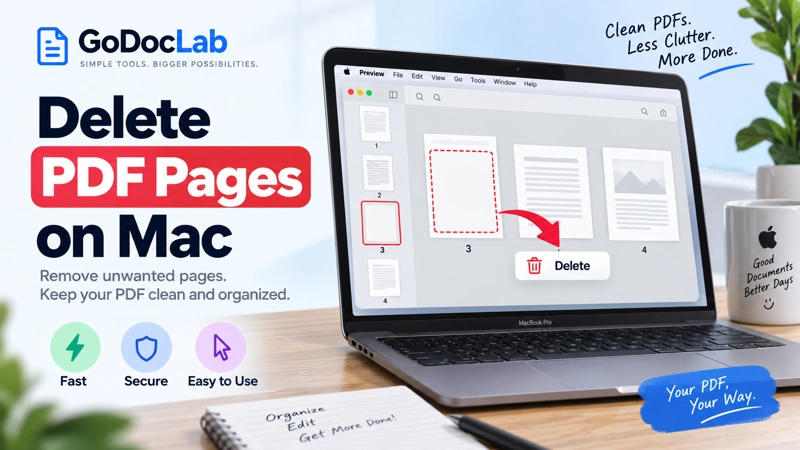
How to Delete PDF Pages on Mac: Easy Methods Using Preview and Online Tools
Learn how to delete PDF pages on Mac using Preview or an online tool. Remove single or multiple pages, save your PDF, and fix common problems.
100% free tools — no signup, no subscription. Files are processed on our servers and removed after use.
Tips, guides, and updates on PDF tools, digital workflows, and growing your business online.
46 Articles published

Learn how to delete PDF pages on Mac using Preview or an online tool. Remove single or multiple pages, save your PDF, and fix common problems.

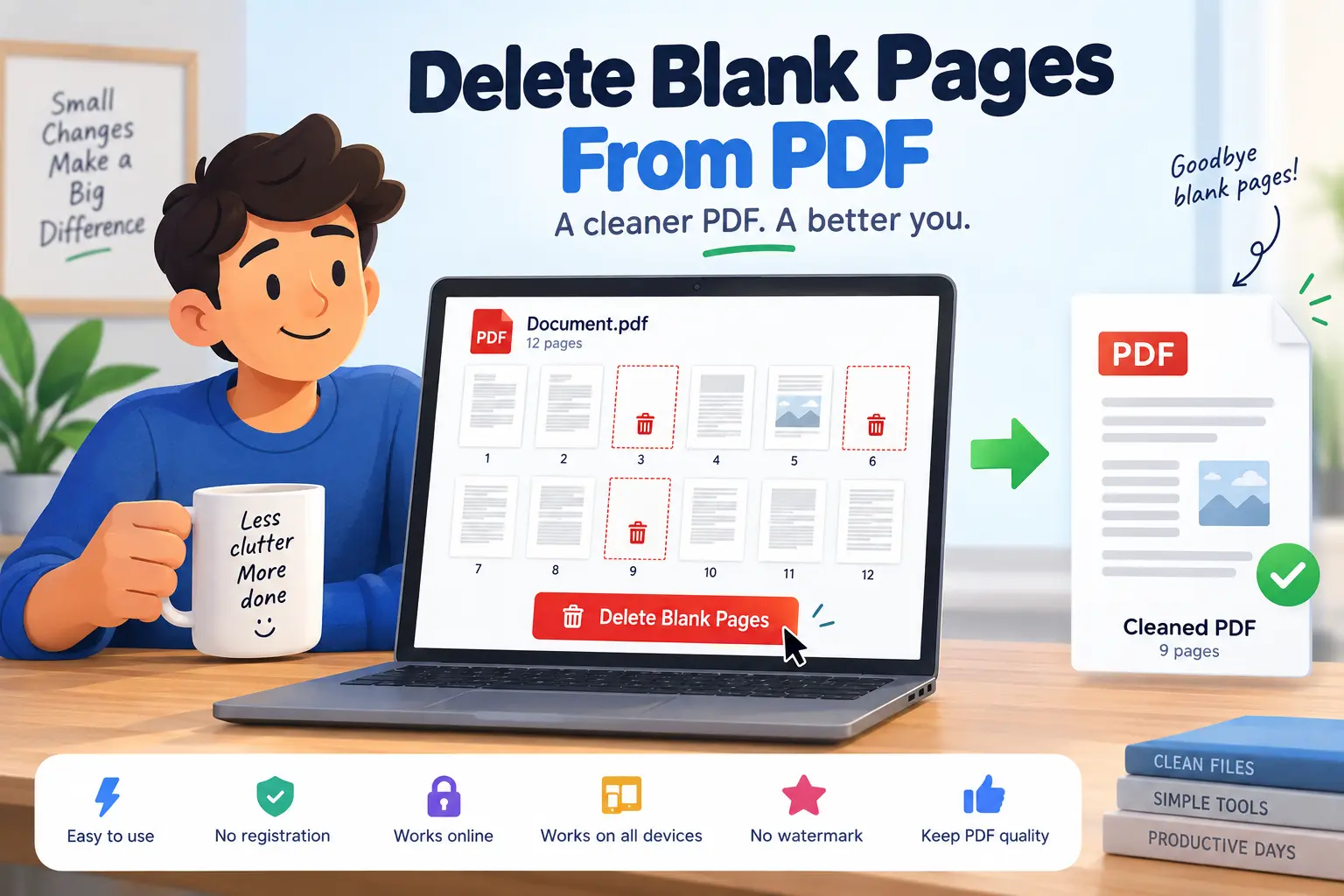
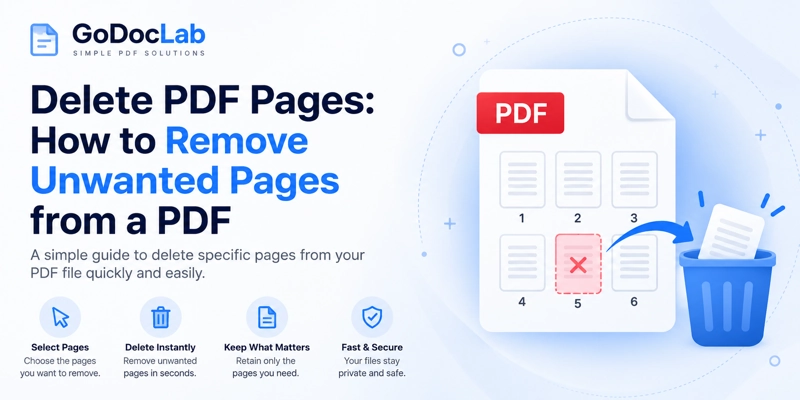
Quick online method: Open the GoDocLab Delete Pages tool , upload your PDF, select the unwanted pages using the available controls, click Process Delete Pages…

Online: Open GoDocLab Delete Pages , upload a PDF, configure the pages to remove, select Process Delete Pages , and download the result. Mac: Open the PDF in…

Online: Open GoDocLab Unlock PDF , upload your PDF, configure the available options, select Process Unlock PDF , and download the result. Adobe Acrobat: Open…

Need to convert RTF to PDF without losing the document's basic formatting? An RTF to PDF converter can turn a Rich Text Format document into a PDF suitable…

Need to rotate an image online because your photo is sideways, upside down, or slightly tilted? An online image rotator lets you change its orientation…

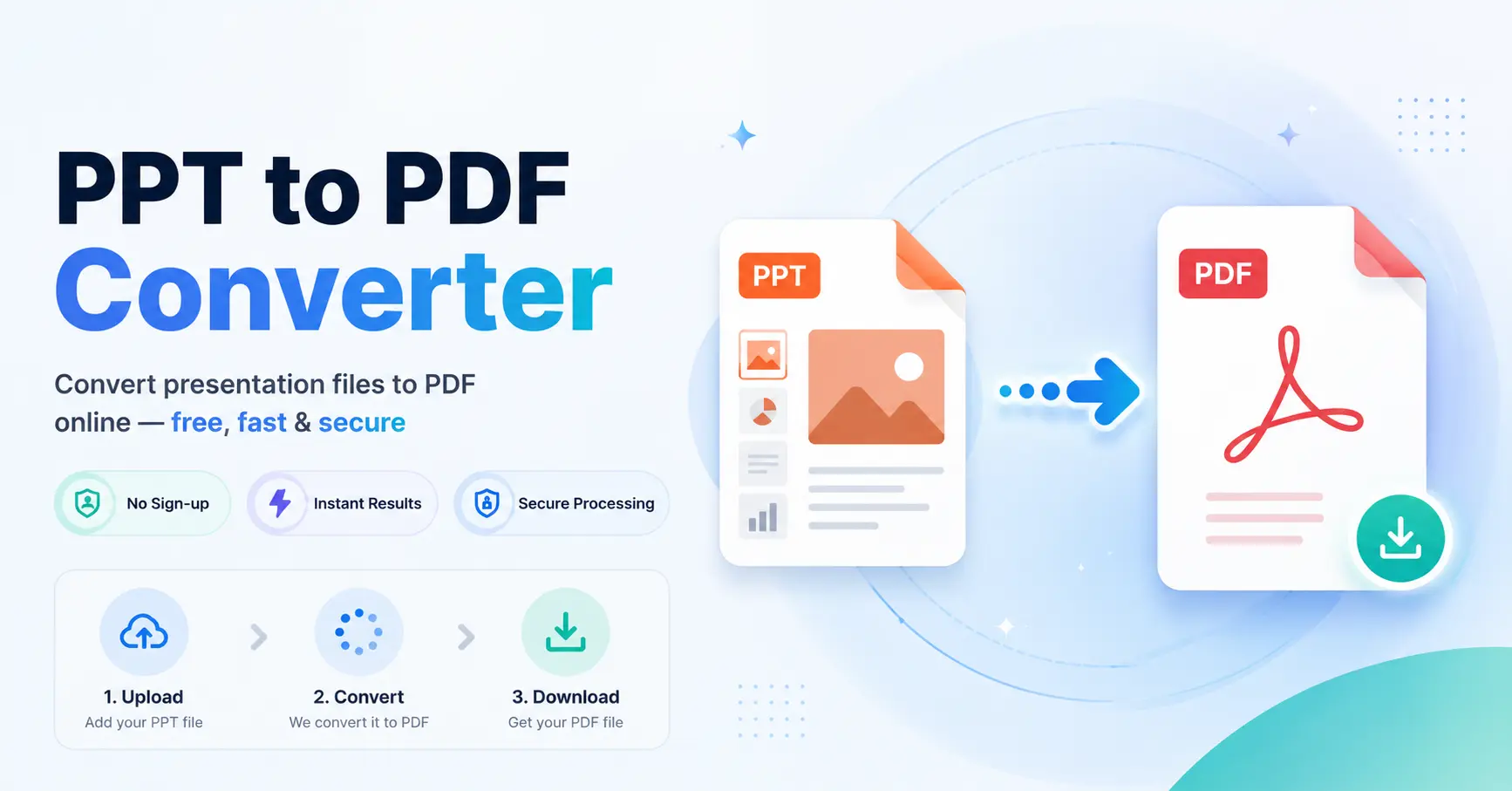
Quick online method: Open the GoDocLab PowerPoint to PDF Converter , upload a .ppt or .pptx file, select Process PowerPoint to PDF , and download the result.…

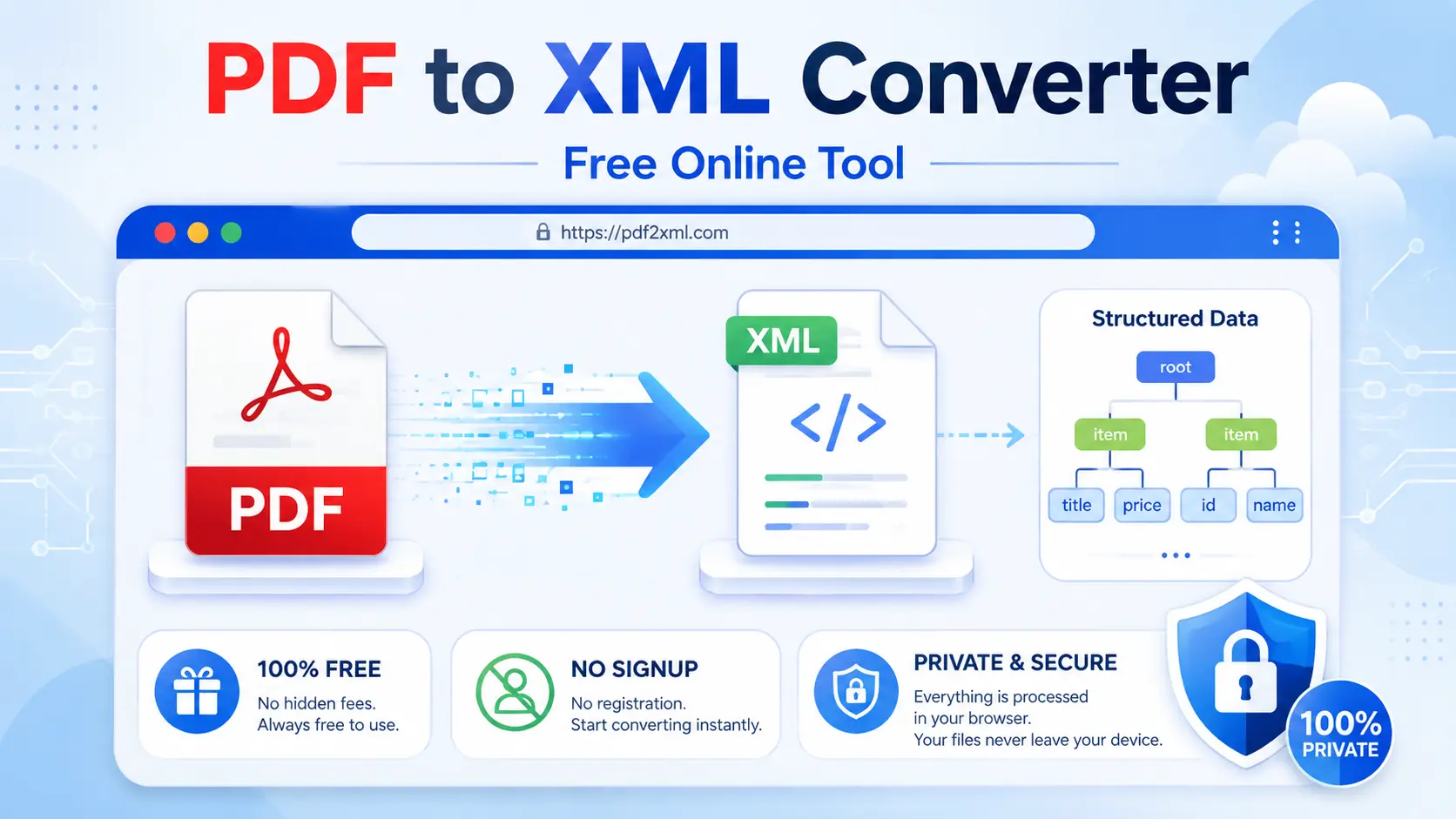
PDF to XML Converter: Convert PDF Files into Structured XML Data PDF files make documents easy to share and view, but they are not always the easiest format…

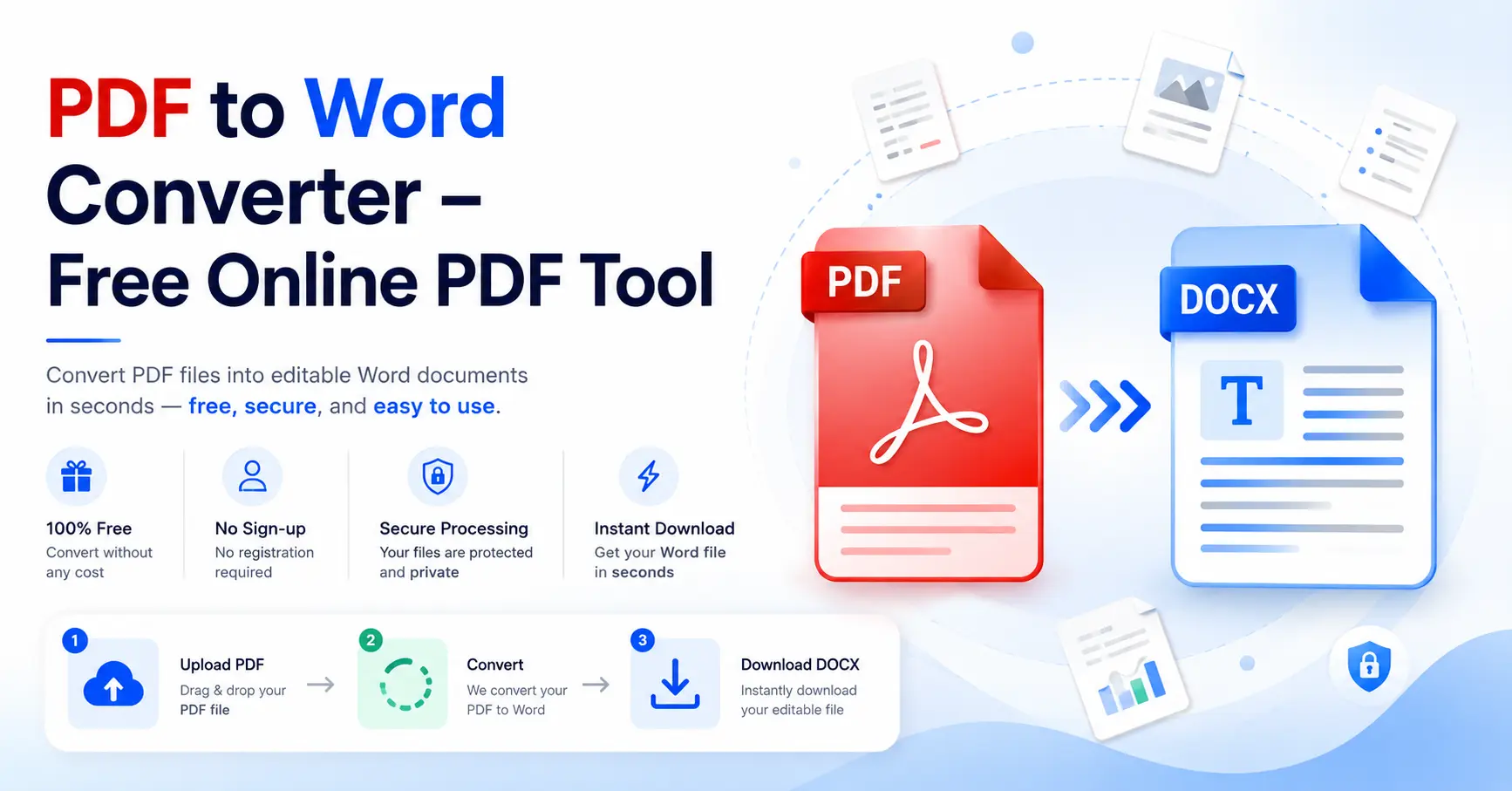
PDF to Word Converter: Convert PDF Files to Editable Word Documents Online PDF files are useful when you need a document to look consistent across different…