PDF to HTML Converter: The Complete Guide for 2026
You have a PDF sitting on your desktop. It looks fine. But the moment you try to paste it into a website, edit a line of text, or make it readable on a phone screen, it fights back. PDFs are built for printing, not for the web. That's the whole problem this guide solves.
Below, you'll learn how a pdf to html converter works, which tools actually deliver clean output, and how to go the other way too, turning HTML pages back into PDF files when you need something to print or archive. We'll stick to real tools, real features, and skip the fluff.
If you just want a fast, no-download way to handle either conversion, GoDocLab is worth bookmarking. It's built for exactly this kind of back-and-forth file work, and we'll point out where it fits in as we go.
Why PDF to HTML Conversion Even Matters
PDF files lock text, images, and layout into fixed pages. That's great for invoices and legal contracts. It's terrible for websites, because:
Search engines can index HTML far better than a PDF wrapped in a <embed> tag.
HTML resizes for mobile screens. A PDF just shrinks and forces users to pinch and zoom.
Editing HTML takes seconds. Editing a PDF usually means going back to the original Word or design file.
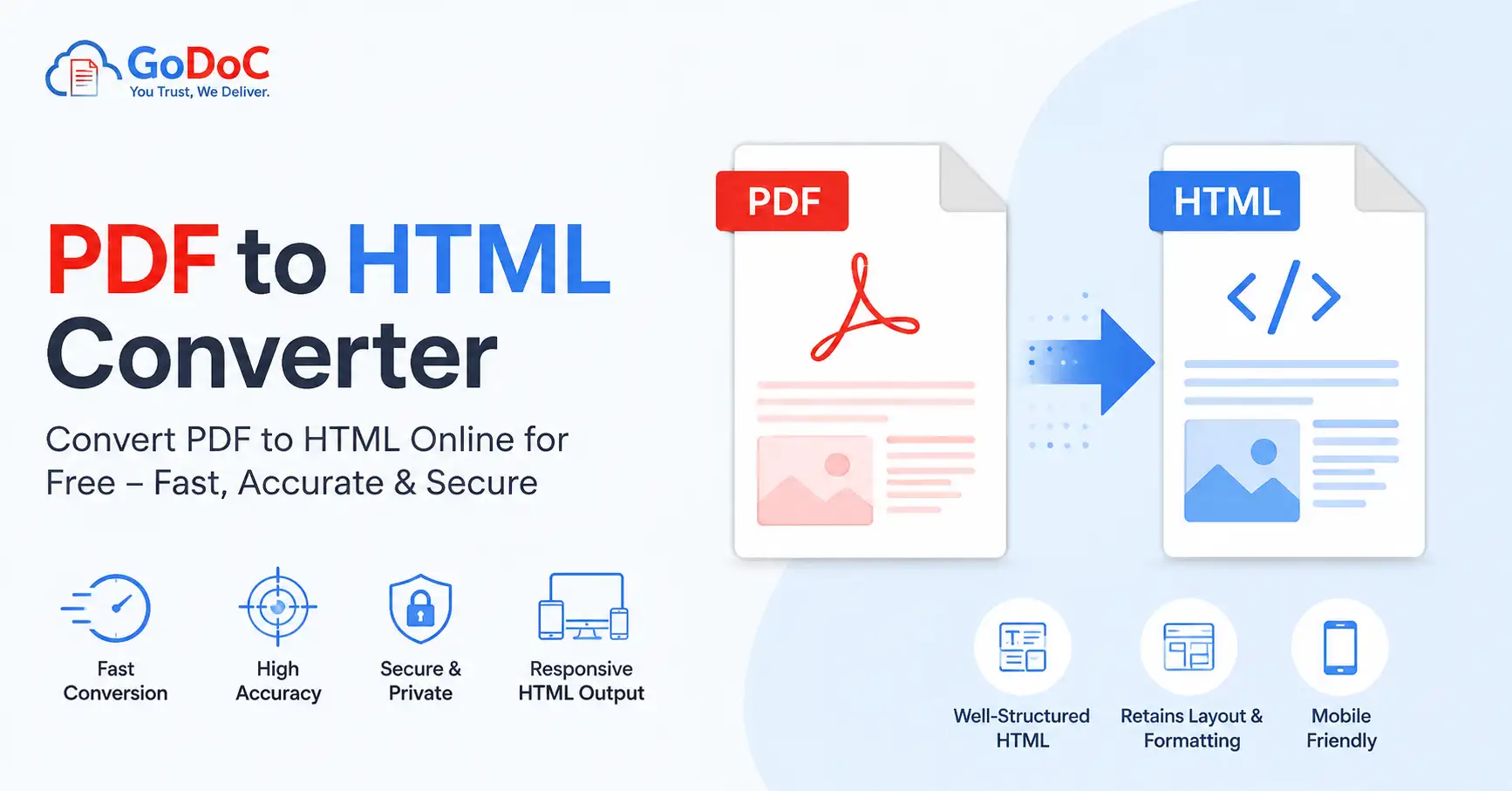
A good pdf to html converter turns a static document into a living webpage, one that loads faster, ranks better, and reads properly on any device.
How to Convert PDF to HTML (Step-by-Step Logic)
Before picking a tool, it helps to know what actually happens during conversion. Most pdf to html converter tools follow the same three steps:
Extract the content layer – text, fonts, and image positions get pulled out of the PDF's internal structure.
Rebuild the layout – the tool maps those positions into CSS and HTML tags, trying to keep spacing and fonts close to the original.
Clean up the output – extra tags, broken characters, or leftover formatting get stripped so the HTML isn't bloated.
Simple, text-heavy PDFs convert almost perfectly. A PDF full of tables, multi-column layouts, or scanned images will need more manual cleanup afterward. That's just physics, not a tool problem.
Best Free Options: PDF to HTML Converter Online
If you don't want to install anything, an online pdf to html converter is the quickest route. You upload the file, wait a few seconds, and download (or copy) the HTML.
PDF to HTML Converter Online Free
Most browser-based tools work the same way: drag your file in, the server processes it, and you get an HTML file or a zipped folder with images included. Look for one that:
Keeps your pdf file to html converter history private (some tools auto-delete files after an hour).
Doesn't cap file size too aggressively.
Preserves hyperlinks and bookmarks, not just plain text.
GoDocLab handles this exact workflow directly in the browser, so you're not stuck installing desktop software for a one-time conversion. It's a solid pick when you just need the job done without digging through settings menus.
Xodo, iLovePDF, and Similar Tools
Xodo pdf to html converter and the pdf to html converter i love pdf option both run on the same idea: web-based, no install, output ready in seconds. They're fine for quick one-off conversions, though heavier documents with complex tables sometimes lose formatting in the process. Always preview the output before publishing it live.
PDF to HTML Converter AI: What's Actually New Here
The newer wave of pdf to html converter ai tools tries to solve the layout problem differently. Instead of just mapping pixel positions, they attempt to "read" the document structure, headings, paragraphs, table rows, and rebuild semantic HTML instead of a pile of absolutely-positioned <div> tags.
This matters for SEO. Semantic HTML (real <h1>, <p>, <table> tags) ranks and reads better than a PDF-shaped soup of <span> elements glued together with inline CSS. If your goal is a webpage that search engines actually understand, prioritize a converter that outputs clean semantic markup over one that just recreates the visual look.
Open Source and Developer Routes
If you convert PDFs regularly, or you're building this into a product, a desktop tool won't cut it. This is where developers turn to code.
PDF to HTML Converter Open Source
The most well-known name here is pdf2htmlEX. It's a genuinely clever piece of open-source software, first released in 2012 and still maintained through community forks on GitHub. It renders PDF files as HTML using modern web technologies, keeping native HTML text with precise font and location instead of just rasterizing pages into images. It manages to strike a balance most converters miss: real selectable HTML text combined with pixel-accurate positioning and small file sizes, instead of forcing you to choose between huge image-based pages or perfectly indexed text with zero layout.
It's licensed under GPLv3, free to use, and runs from the command line, which makes it a strong fit if you need a pdf to html converter open source option baked into a batch script or server pipeline.
PDF to HTML Converter Python
For anyone writing custom scripts, a pdf to html converter python approach usually means libraries like PyMuPDF (fitz) or pdfminer.six, which extract text and layout data that you then format into HTML yourself. This gives you full control over the output structure, at the cost of writing more code than just running a GUI tool. It's the right call when you need conversion built into a larger application rather than a one-off task.
PDF to HTML Converter GitHub and Java Options
Searching pdf to html converter github turns up dozens of wrappers and forks around pdf2htmlEX, plus standalone Java libraries. A pdf to html converter java library is a common pick for enterprise document pipelines already running on the JVM, since it slots into existing Java-based workflows without extra dependencies.
PDF to HTML Converter Adobe: The Official Route
Adobe Acrobat has its own built-in exporter, and it's worth knowing how it behaves if you already pay for Acrobat Pro. Inside Acrobat, you choose Export PDF, then select HTML Web Page, picking either a single HTML page or multiple pages split by document length. The process itself is simple: open the Convert tab, choose "To HTML" as the export option, pick a destination folder, and export.
The catch: the HTML export option isn't available in the free Acrobat Reader, and getting it through full Acrobat means a yearly subscription cost, which pushes many people toward cheaper alternatives or free web tools instead. Also worth knowing: layouts with text sitting over background images don't always survive the export cleanly, so you may need to fix those sections manually afterward.
Going the Other Way: HTML to PDF Converter
Once your content lives as HTML, you'll eventually need it back as a PDF, for printing, sharing offline, or archiving a snapshot of a webpage. This is where an html to pdf converter earns its keep.
Convert HTML to PDF Free and Online
A free html to pdf converter works the same way in reverse: paste a URL or upload an HTML file, and the tool renders it into a print-ready document. Use an online html to pdf converter when you need a quick export without installing software, and GoDocLab covers this direction too, so you're not juggling two different sites for the two directions of conversion.
Convert Chrome HTML to PDF
Here's a shortcut most people forget: your browser already has an html to pdf converter built in. Open any webpage in Chrome, hit Print, then choose "Save as PDF" as the destination. It's not fancy, but for a quick, one-page save, convert chrome html to pdf is genuinely the fastest method available, no upload required.
HTML to PDF Converter Python
Developers automating this process usually reach for libraries like WeasyPrint or pdfkit for html to pdf converter python workflows. These let you generate PDFs directly from HTML templates, which is exactly how most invoice-generation and reporting systems work behind the scenes. Feed it a template, drop in your data, and out comes a formatted PDF.
Convert HTML File to PDF: Naming Confusion Explained
People search this topic in a dozen different phrasings, and honestly, they all mean the same thing. Whether you type convert html to pdf, html convert to pdf, html to pdf convert, or convert .html to .pdf, you're asking for one outcome: a webpage or HTML file turned into a fixed, printable document.
A few naming notes worth clearing up:
Html document to pdf converter and html doc to pdf converter both refer to converting a saved .html file, not a live webpage. Some tools handle only one of the two, so check before uploading.
· Converting HTML files to PDF (plural) typically refers to batch conversion, which is helpful when exporting lots of pages at once as opposed to one at a time.
Html format to pdf converter and html converter to pdf are just reworded searches for the same core tool.
If you're hunting for an html to pdf converter freeware option instead of a paid app, most modern browsers and free web tools already cover this without needing installed software. Older "freeware" desktop tools from the 2010s still exist, but they're rarely updated and can lag behind current HTML/CSS standards, so a current browser-based option is usually the safer bet.
Sejda and Other Named Tools
Sejda html to pdf converter is one of the more recognized names in document tools, offering both the HTML-to-PDF direction and PDF editing features in the same platform. It's a reasonable pick if you want a single account handling multiple document tasks instead of switching between five different single-purpose sites.
Common Problems and Honest Fixes
No converter is perfect in either direction. Here's what actually goes wrong, and what to do about it:
Broken fonts after conversion. This happens when the original document uses embedded fonts the converter doesn't recognize. Fix: use a tool that embeds fonts as web fonts rather than substituting a system font.
Tables collapsing into a mess. Complex multi-column tables are still the hardest thing for any pdf to html converter to handle. Fix: convert, then manually rebuild the table in HTML if it's short, or accept minor spacing differences if it's long.
Images placed in the wrong spot. Vector graphics sometimes shift position slightly. Fix: check the output visually before publishing; don't assume it's pixel-perfect on the first try.
Text that looks fine but can't be selected or searched. This usually means the tool rasterized the page into an image instead of keeping real text. Fix: pick a converter that explicitly promises "real HTML text," not an image-based export.
Quick FAQ
How do I convert a PDF file to HTML without losing formatting? Use a converter built specifically to preserve layout, like pdf2htmlEX for developers or a browser-based tool like GoDocLab for a quick, no-code option. Simple text documents convert cleanly almost every time.
How do I convert an HTML document into a PDF for printing? The fastest route for a single page is your browser's built-in print-to-PDF option. For batch jobs or automated reports, a Python library or an online tool handles it faster.
Is there a truly free HTML to PDF converter I can trust? Yes. Browser-based tools and your own browser's print function both work at no cost. Just check the tool's privacy policy if you're converting sensitive documents.
Converting a PDF to HTML format for a website: what should I check first? Check that headings actually became <h1> to <h6> tags, not just bold, oversized text. That single detail affects how search engines read your page.
Wrapping Up
Converting between PDF and HTML isn't complicated once you know which tool fits your situation. Developers lean on open-source libraries and Python scripts. Everyday users just need a clean pdf to html converter online free or the reverse. Businesses with heavier document pipelines lean on Adobe's export tools or custom Java integrations.
For most people who just want the job done, without installing software, dealing with subscription paywalls, or fighting broken layouts, GoDocLab handles both directions of the conversion in one place. Try uploading your next PDF there and see how the HTML output holds up.