HTML to PDF Converter: Convert Web Pages and HTML Files into PDF Easily
HTML is the foundation of many websites, documents, and online tools. It
helps browsers display text, images, layouts, and interactive content.
Sometimes, you need to save that HTML content as a PDF file for sharing,
printing, storing records, or sending professional documents.
An html to pdf converter helps you change web pages and
HTML files into PDF documents without rebuilding the content from scratch. With
tools like GoDocLab, users can quickly turn HTML content into a clean PDF file
while keeping the layout, text, and basic formatting intact.
Why Use an HTML to PDF Converter?
HTML files work great on websites, but PDF files work better for documents
that need a fixed layout. A webpage can look different on every screen, while a
PDF keeps the same appearance across devices.
For example, businesses use PDFs for invoices, reports, certificates,
guides, and official documents. Developers use them for generating reports from
web applications. Students and professionals use them when they need a document
that looks the same after sharing.
The main reasons people convert HTML to PDF include:
·
Keeping document formatting consistent
·
Sharing files easily through email
·
Creating printable documents
·
Saving web content for offline use
·
Creating professional reports
The HTML standard is maintained through web standards groups such as W3C,
which provides technical specifications for HTML.
How Does an HTML to PDF Converter Work?
An HTML to PDF converter reads the HTML structure, styles, images, and other
page elements. It then creates a PDF file that follows the original layout as
closely as possible.
The basic process looks like this:
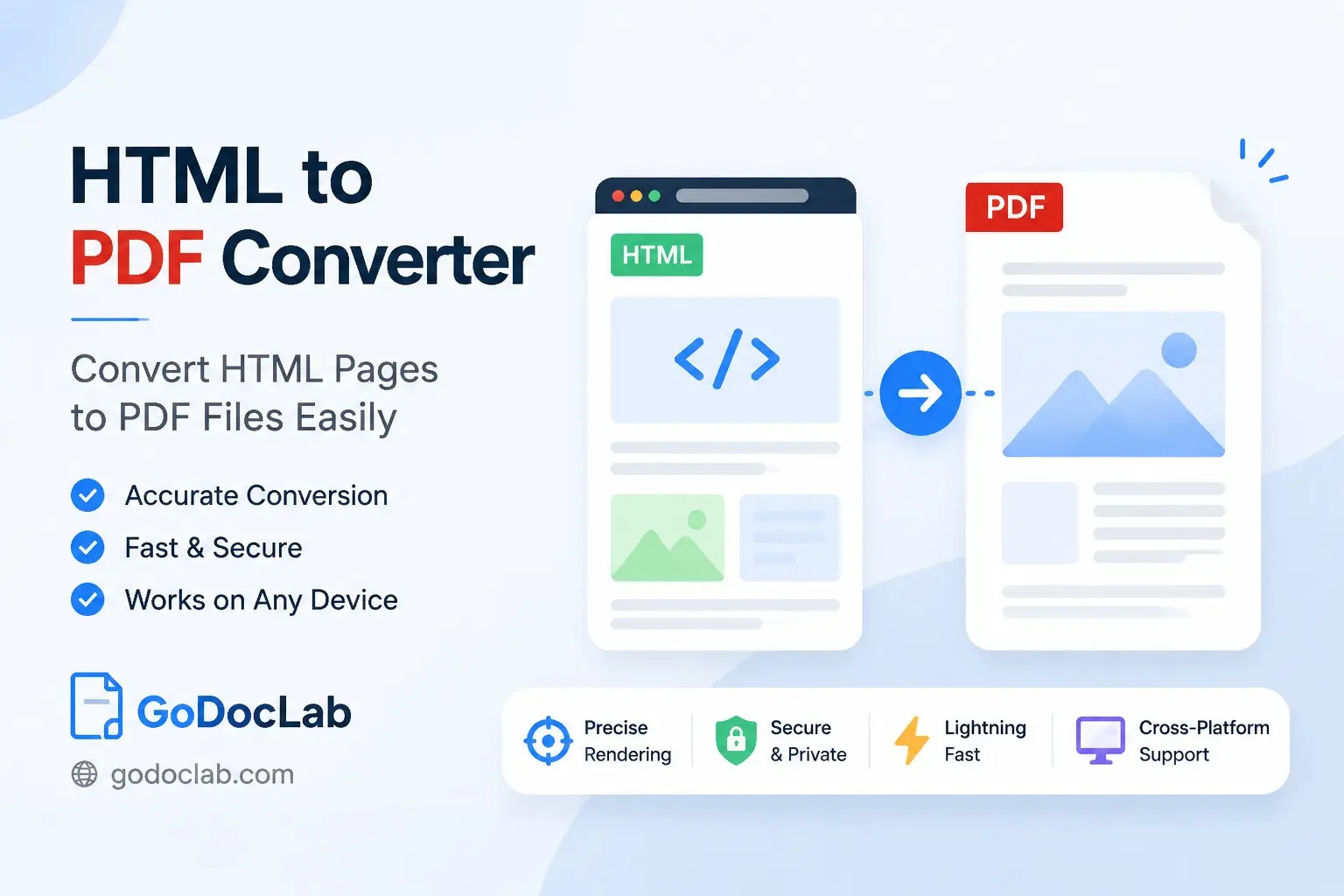
1. The
user uploads an HTML file or adds HTML code.
2. The
converter reads the HTML content.
3. The
tool processes fonts, images, and styling.
4. The
system creates a PDF document.
5. The
user downloads the final PDF file.
Think of it like taking a screenshot of a webpage, but smarter. Instead of
saving one picture, the converter creates a proper document file that people
can print, store, and share.
html to pdf converter online free: A Simple Option for
Everyone
Many users search for an html to pdf converter online free
because they need a quick solution without installing software.
Online converters work well for simple tasks like:
·
Converting a single HTML file
·
Saving a webpage as PDF
·
Creating small reports
·
Testing document layouts
GoDocLab provides a simple way to handle document conversion tasks without
making users install extra programs. It helps users save time when they need a
quick HTML to PDF solution.
convert html to pdf for free Without Extra Software
People often want to convert html to pdf for free because
they only need the conversion occasionally.
A free converter can be useful for:
·
Personal documents
·
Small business files
·
School projects
·
Quick document sharing
A good free tool should focus on clean output, simple steps, and safe file
handling. Users should avoid tools that add unwanted marks or change the
document layout.
What Makes the Best HTML to PDF Converter?
Finding the best html to pdf converter depends on what you
need. A developer may need automation features, while a normal user may only
want a simple upload button.
A quality converter usually offers:
·
Easy file upload
·
Accurate formatting
·
Fast processing
·
Support for common HTML files
·
Clean PDF output
The right choice depends on your workflow. A person converting one file has
different needs from a developer creating hundreds of PDFs every day.
convert html file to pdf online free for Quick Document
Creation
The option to convert html file to pdf online free helps
users create documents from HTML without technical steps.
This method works well for:
·
Website owners saving pages
·
Developers testing layouts
·
Teams creating reports
·
Users storing online information
The biggest benefit is convenience. You can create a PDF from HTML content
without learning complex software.
Developer Methods for HTML to PDF Conversion
Developers often need more control over PDF creation. They may need
automated document generation inside websites, apps, or business systems.
Different programming languages provide different ways to handle this task.
convert html to pdf python and python convert html to pdf
Python developers often look for ways to automate document creation. Using
libraries and PDF tools, developers can create reports, invoices, and other
files directly from HTML templates.
The convert html to pdf python approach works well for
projects that need automatic PDF creation.
Common uses include:
·
Generating monthly reports
·
Creating customer documents
·
Building automated systems
The python convert html to pdf method gives developers
flexibility because they can connect PDF creation with existing applications.
convert html to pdf javascript for Web Applications
JavaScript developers often need PDF creation inside browser-based or
server-side applications.
The convert html to pdf javascript approach helps
developers create documents from webpage content.
Common examples include:
·
Online receipts
·
Dashboard reports
·
User-generated documents
JavaScript-based solutions can work well when the application already uses
web technologies.
convert html to pdf c# and convert html to pdf in c#
C# developers often create PDF documents for business software, desktop
applications, and enterprise systems.
The convert html to pdf c# method allows developers to add
PDF creation features inside their applications.
The convert html to pdf in c# process usually involves
using a PDF library that can read HTML content and create a PDF output.
Developers commonly use this for:
·
Invoice systems
·
Business reports
·
Internal documents
convert html to pdf programmatically for Automated Workflows
Manual conversion works for a few files, but large projects often need
automation.
The convert html to pdf programmatically method allows
software systems to create PDFs automatically based on user actions or
scheduled tasks.
Examples include:
·
Creating invoices after purchases
·
Generating reports every month
·
Producing certificates automatically
Automation saves time and reduces repeated manual work.
html to pdf converter api for Developers
An html to pdf converter api allows applications to send
HTML content and receive a PDF file through a service connection.
APIs help developers add conversion features without building the complete
system themselves.
Common API uses include:
·
SaaS applications
·
Online document tools
·
Customer portals
·
Reporting platforms
Many professional PDF services also provide APIs for document workflows.
Adobe offers PDF service documentation for developers who need program-based
PDF features.
html code to pdf converter and convert html code
to pdf
HTML code can contain complete page structures, styling, and content. A html
code to pdf converter helps turn that code into a finished document.
The convert html code to pdf process is useful for
developers who create pages using HTML templates.
It can help with:
·
Creating reports from templates
·
Saving generated webpages
·
Producing printable documents
free html code to pdf converter for Small Projects
A free html code to pdf converter works well for users who
need basic conversion without extra features.
Small projects often include:
·
Personal websites
·
Simple reports
·
Learning projects
·
Prototype applications
For bigger systems, users may need advanced features like automation and API
support.
convert html to pdf mac and html to pdf converter
mac
Mac users often look for a convert html to pdf mac solution
that works smoothly with their devices.
An html to pdf converter mac tool helps users create PDF
files without switching between multiple programs.
Users can convert HTML documents for:
·
Work files
·
Presentations
·
Records
·
Personal documents
Tips for Getting Better PDF Results from HTML
A good HTML file usually creates a better PDF. Before conversion, check
these areas:
·
Use clean HTML structure
·
Keep image sizes reasonable
·
Choose readable fonts
·
Test the page layout
·
Remove unnecessary elements
Small improvements in the HTML file can make a big difference in the final
PDF.
Why Choose GoDocLab for HTML to PDF Conversion?
GoDocLab helps users handle document conversion with a simple process.
Instead of spending time searching through complicated software, users can
focus on creating the files they need.
The platform works well for people who want a practical way to convert HTML
content into PDF documents.
Whether you are saving a webpage, creating reports, or preparing documents for sharing, an HTML conversion tool can make the process easier.
Final Thoughts
HTML and PDF serve different purposes. HTML works well for displaying
content online, while PDF works well for sharing fixed documents.
A reliable html to pdf converter helps bridge the gap
between web content and professional documents. Whether you need a quick online
conversion or a developer solution, choosing the right tool can make your work
faster and easier.