How to Convert PDF to Text Fast and Free in 2026
PDFs lock text in a fixed format. That works great for sharing finished documents. It becomes a problem when you need to edit, search, copy, or reuse the words inside.
A pdf to text converter solves this. It pulls the readable content out so you can paste it into a document, spreadsheet, or notes app.
This guide covers the practical ways to convert pdf to text, including free online options, scanned files, and what actually works in real use. We stick to clear steps and real tools.
Why People Need a PDF to Text Converter
Students extract quotes from research papers. Office workers pull numbers from reports. Writers reuse old material. Researchers turn archives into searchable text.
Trying to retype everything wastes time and invites mistakes. A good pdf to text converter free tool does the heavy lifting in seconds.
Digital PDFs (created from Word or similar programs) already contain real text. Scanned PDFs are just pictures of pages. Those need extra help from OCR technology.
Digital PDFs vs Scanned PDFs
Open a PDF and try to highlight text with your mouse. If the words select easily, it is a digital PDF. Extraction is straightforward.
If nothing highlights, the file is scanned or image-based. You need a tool that can convert scanned pdf to text or convert image pdf to text.
OCR (Optical Character Recognition) looks at the shapes of letters and turns them into actual text. Modern free tools handle this well on clean scans.
How a Free Online PDF to Text Converter Works
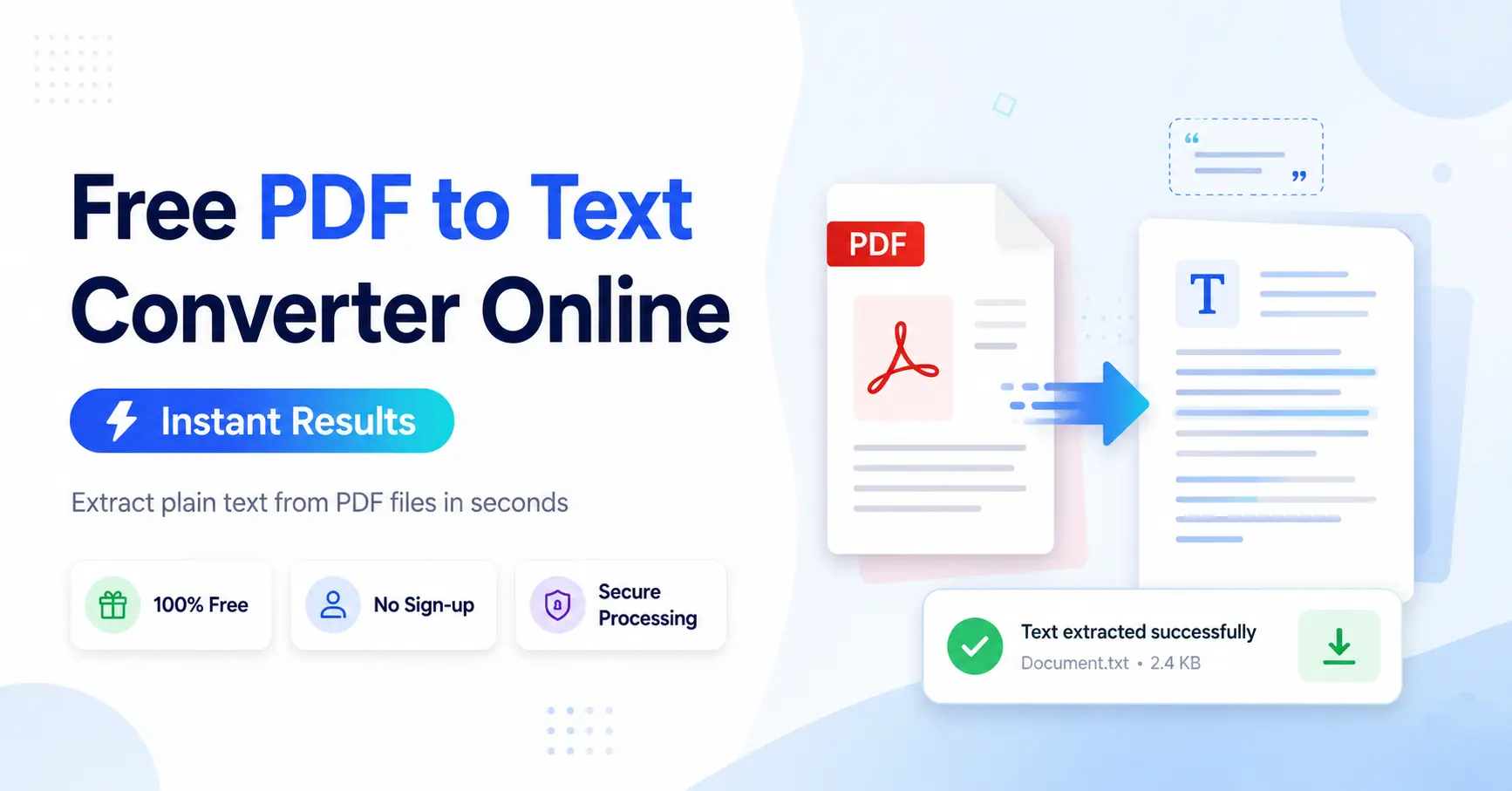
Most online tools follow the same simple flow:
- Upload your PDF.
- The system extracts or recognizes the text.
- You download a plain text file or copy the results.
No software install. No account in many cases. Just upload and go.
A solid free online pdf to text converter keeps the process private and fast. Look for tools that process files quickly and delete them after a short time.
Step-by-Step: Convert PDF to Text Online
Here is a clean way to convert pdf file to text:
- Choose a reliable free tool.
- Drag your PDF into the upload area or click to select it.
- Start the conversion.
- Wait a few seconds.
- Download the .txt file or copy the text.
For digital files this is nearly instant. For scanned ones the tool runs OCR first.
You can also convert pdf into text directly in some desktop programs, but online options win for speed and convenience when you just need the words.
Popular Free Options and What They Offer
Several trusted services let you pdf to text free without paying.
Adobe offers online tools that handle both regular extraction and OCR. Their OCR feature turns scanned pages into searchable text.
PDF24 provides a straightforward pdf to text converter online with no strict daily limits on many features.
Other well-known names include Smallpdf and iLovePDF. They work fine for occasional use but often limit free daily conversions.
Open-source tools like those based on Tesseract power many of the better free OCR features behind the scenes.
Always check the privacy policy. Prefer tools that process files quickly and do not keep them longer than needed.
Handling Scanned Documents and Images
Scanned contracts, old books, or phone photos of pages need OCR.
A good tool can convert scanned pdf documents to text, convert pdf scanned image to text, convert pdf image to text, and even convert pdf images to text or convert pdf picture to text.
Look for options labeled pdf to ocr text converter or pdf to text ocr converter. These run recognition on every page.
Quality matters. Clean, high-resolution scans with clear print give the best results. Blurry photos or heavy shadows reduce accuracy. You may still need light manual cleanup afterward.
Some tools also let you scan pdf and convert to text in one go if you upload images directly.
Turning PDF Content into Editable or Plain Text
Sometimes you want more than a basic dump of words.
- Convert pdf to plain text for the cleanest, lightest file.
- Convert pdf to editable text if you plan to revise it in a word processor.
- Convert pdf to text file or pdf to text file converter when you need a downloadable .txt.
- Convert pdf to readable text so the paragraphs stay sensible instead of jumbled.
An online pdf to text file converter or free online pdf to text file converter usually gives you the .txt option right away.
You can also pdf file convert to text, pdf convert to text, or simply pdf to text convert. The wording changes but the goal stays the same.
How to Convert PDF File into Text File or Document
People often search for exact phrases like:
- How to convert pdf into text
- How to convert pdf file into text file
- How to convert pdf file to text document
The answer is almost always the same short process: upload, convert, download. Desktop software such as Adobe Acrobat Pro or free alternatives like GoDocLab
For most everyday needs the online route is faster.
Tips for Better Results
Start with the best possible source file. Higher resolution scans improve OCR accuracy.
If the text comes out messy, try a different tool. Some engines handle certain fonts or languages better than others.
Break very large PDFs into smaller sections if a free tool has size limits.
After conversion, skim the text. OCR is good but not perfect, especially with handwriting, unusual fonts, or poor image quality.
Keep the original PDF. The text version is useful for editing and searching, but the PDF preserves the exact layout.
Privacy and Security Notes
Never upload highly sensitive documents to random free sites. Choose services that clearly state they delete files after processing.
Browser-based tools that process locally offer extra peace of mind, though most popular converters still use servers for speed and OCR power.
A Practical Free Choice: GoDocLab
If you want a simple place to pdf to text online or run OCR, check out the tools at GoDocLab.
The site offers a direct PDF to Text extractor for regular files and a dedicated OCR PDF tool for scanned ones. Everything is free, requires no signup, and focuses on quick results.
You can also explore related tools there such as PDF to Word, compress, merge, or split when you need them. The goal is straightforward: upload, process, download.
Visit godoclab.com when you next need to pull text out of a PDF. The interface stays clean and the process stays short.
Common Problems and Quick Fixes
Text comes out in the wrong order? Multi-column layouts sometimes confuse extractors. Try a tool that offers layout options or extract page by page.
Missing characters or wrong letters? Re-scan at higher quality or try a different OCR engine.
File too big? Compress the PDF first or split it.
Password-protected PDF? Unlock it first if you have the rights, then convert.
When You Might Need More Than Basic Conversion
For complex tables, specialized data extraction tools or paid software can preserve structure better. For simple readable text, free online converters handle the job well.
Researchers and journalists often combine free OCR with manual review. That combination still beats retyping.
Final Thoughts on Choosing Your Tool
A reliable pdf file to text converter or pdf converter to text saves hours. Focus on accuracy, speed, privacy, and ease of use.
Free options have improved a lot. You no longer need expensive software for everyday extraction or basic OCR.
Next time a PDF stands between you and the text you need, open a trusted free pdf to text converter, upload the file, and grab the words. It really is that simple.
Try the PDF to Text and OCR tools at GoDocLab and see how quickly you can move from locked PDF to usable text.