Excel to PDF Converter: The Simple Way to Lock Your Spreadsheets in Place
You built the perfect spreadsheet. Every formula works. The colors line up. Then you email it to a client, and two hours later they ask why all the columns shifted and the totals look wrong. That's not your fault. That's Excel being Excel on someone else's screen. The fix is simple: convert the file to PDF before you send it. A good excel to pdf converter freezes your layout so it looks the same on every device, every operating system, and every printer. No shifting columns. No missing fonts. No surprises. This guide covers how to convert excel to pdf, when to go the other way and pull data back out with a pdf to excel converter, and which tools actually get the job done without costing you a dime.
Why Bother With a Convert Excel to PDF Converter At All?
Spreadsheets are built to be edited. That's their whole job. But editable also means unstable once it leaves your machine. Open the same Excel file on a Mac, a Windows laptop, and a phone, and you'll often see three slightly different versions of it. Column widths shift. Fonts substitute themselves. Page breaks land in weird spots when someone tries to print it. PDF solves this because it's not meant to be edited. It's meant to be viewed exactly as designed, everywhere. That's why invoices, contracts, reports, and anything with a signature line almost always end up as a PDF before they go out the door. According to Adobe's own documentation on the PDF format, it was built specifically to preserve fonts, formatting, and layout across different devices and operating systems, which is exactly the problem spreadsheets run into. So when you convert excel to pdf, you're not just changing a file extension. You're locking the document so it prints and displays the same way for everyone who opens it.
How to Convert Excel to PDF in Under a Minute
Here's the thing about how to convert excel to pdf: most people think it needs special software. It doesn't.Option 1: Straight from Excel Open your file, click File, then Export or Save As, and pick PDF from the format list. Excel builds this in natively on both Windows and Mac. It works fine for simple sheets.
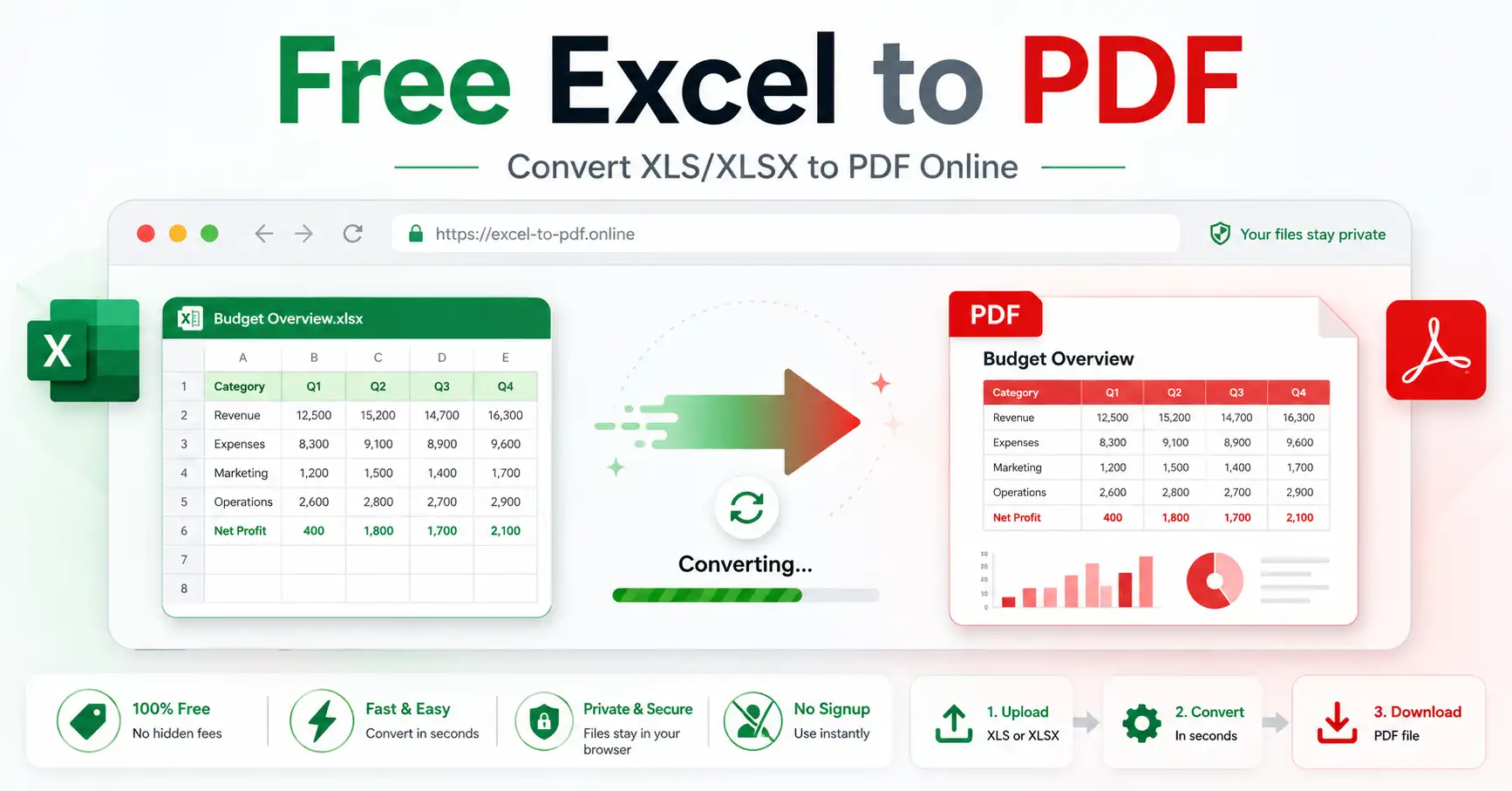
Option 2: A browser-based excel to pdf converter This is the faster route, especially if you're on a shared computer, a phone, or you just don't want to open the desktop app. Upload the spreadsheet, the tool converts it, and you download a clean PDF. No installation. No waiting for Excel to load.
GoDocLab's Excel to PDF tool does exactly this. Drop in your XLSX or XLS file, and it hands back a properly formatted PDF in seconds. No account needed, and nothing gets stored on the server once the job is done.
Option 3: Printer to PDF Every modern computer lets you "print" to a PDF file instead of paper. It works, but it's clunky for multi-sheet workbooks and tends to cut off wide tables mid-column.
For anyone asking how do you convert excel to pdf without losing formatting, the browser tool wins nine times out of ten. It handles page sizing and column widths automatically, so you're not manually adjusting print margins for twenty minutes.
Going the Other Direction: When You Need to Convert PDF to Excel
Sometimes the problem runs backward. Someone sends you a PDF report full of tables, and now you need those numbers in a spreadsheet so you can actually run calculations on them. Retyping a 40-row table is nobody's idea of a good afternoon. This is where a pdf to excel converter earns its keep. The core question people search for here is simple: can you convert pdf to excel without the data turning into a jumbled mess? The honest answer is: it depends on the PDF. A clean digital PDF with proper table structure converts well. A scanned image of a printed page is a different story, since there's no actual text layer to extract. To convert pdf to excel file free, GoDocLab's PDF to Excel tool reads the table structure inside the PDF and rebuilds it as an editable spreadsheet, keeping rows and columns intact. It's built for exactly this kind of document, financial statements, product lists, exported reports, that sort of thing.
Free PDF to Excel Converter Online vs Paid Software
People often ask how do i convert a pdf to excel format without buying a subscription. Fair question, because desktop software in this space isn't cheap. Adobe Acrobat online pdf to excel converter, sold through Adobe, is the name most people recognize first. Adobe convert pdf to excel tools do solid table extraction, but the full version sits behind a paid plan, and the free trial has limits on file count and size. A free pdf to excel converter online skips that entirely. You don't need an account, you don't hit a paywall after your third file, and the conversion happens right in your browser. For most everyday use, contracts, invoices, class notes, monthly reports, that's more than enough. If your work involves converting dozens of PDFs a week for a legal or financial team with strict document standards, a paid Adobe Acrobat pdf to excel plan might make sense for the extra editing tools bundled in. For everyone else, a free pdf to excel converter online covers 95% of real use cases without the monthly bill.
What to Look for in Any PDF Converter to Excel Tool
Not every pdf to excel converter online free tool is built the same. A few things separate the useful ones from the frustrating ones:
Table detection accuracy. A good pdf convert to excel tool should recognize rows and columns on its own, not just dump every word into a single cell.
File privacy. Look for tools that delete your file after processing. If you're uploading anything with client data or financial numbers, this matters.
No forced sign-up. Plenty of tools ask for an email before they let you download anything. Skip these when you're in a hurry.
Speed. A pdf to excel converter tool that takes five minutes for a ten-page document isn't saving you any time over typing it manually.
GoDocLab checks all four boxes, and it sits alongside more than 80 other document tools on the same site, so if you also need to merge, compress, or convert PowerPoint files, it's already there.
Common Mistakes People Make When They Convert a PDF to Excel
A few things trip people up every time:
Assuming every PDF converts cleanly. Scanned documents need OCR (optical character recognition) first, since there's no actual text to pull, just an image of text. Run OCR before attempting the conversion if your PDF came from a scanner. Ignoring merged cells. Complex tables with merged headers sometimes split awkwardly during conversion. Always do a quick scan of the output before you build formulas on top of it. Skipping a formatting check. After you convert pdf to excel, numbers can occasionally land as text instead of values. A quick double-click on a cell tells you which one it is; text-formatted numbers align left, real numbers align right. None of these are dealbreakers. They just mean a thirty-second review saves you from building a report on broken data.
Excel to PDF and Back Again: A Quick Recap
Converting excel to pdf locks your spreadsheet so it looks right everywhere. Converting pdf to excel unlocks a static document so you can calculate, sort, and edit again. Different problems, same solution really: the right free tool, used at the right moment. Whether you're preparing an invoice, sending a report to a client, or pulling numbers out of someone else's PDF, you don't need paid software sitting on your hard drive. A browser-based excel to pdf converter and pdf to excel converter handle both jobs, right where you're already working.
Frequently Asked Questions
How to convert pdf to excel spreadsheet without software? Use a browser-based tool. Upload the file, wait a few seconds, and download the XLSX. No installation required.
Is there a genuinely free pdf to excel converter? Yes. Tools like GoDocLab's PDF to Excel converter don't charge, don't require sign-up, and don't limit how many files you convert.
Can you convert a pdf to excel if the PDF is a scanned image? Only after running OCR first. Without a text layer, the converter has nothing to extract, since it's technically just a picture.
What's the fastest way to convert into excel to pdf for a report I'm sending today? Upload it to a browser-based tool like GoDocLab's Excel to PDF converter. It takes seconds and needs no software install.
If you've got a spreadsheet to lock down or a PDF table you need back in working form, both tools are free and ready whenever you are.