EPUB to PDF Converter: The Complete Guide for 2026
You have an EPUB file sitting on your laptop. Maybe it's a novel, a manual, or a report from a client. And your printer, your boss, or your grandma's old tablet all want one thing: a PDF. Welcome to one of the most common small headaches in digital life.
The good news? Converting an epub to pdf file takes minutes once you know which tool fits your situation. This guide walks through every real option, what each one is actually good for, and where people usually go wrong.
What Is EPUB and Why Would You Convert It to PDF
EPUB is an open ebook standard, built and maintained by the W3C (the same organization behind web standards like HTML and CSS). It's designed to be flexible. Text reflows to fit your screen, whether that's a phone, a Kindle-style reader, or a tablet. PDF works the opposite way. Every page looks exactly the same no matter what device opens it. That's fixed layout, and it's exactly why people ask can you convert epub to pdf when they need something to print, email, or archive without formatting surprises. So the short version: EPUB is great for reading, PDF is great for sharing and printing. Converting between them just means picking the right format for what you're about to do with the file.
How to Convert EPUB to PDF Online (Free and Fast)
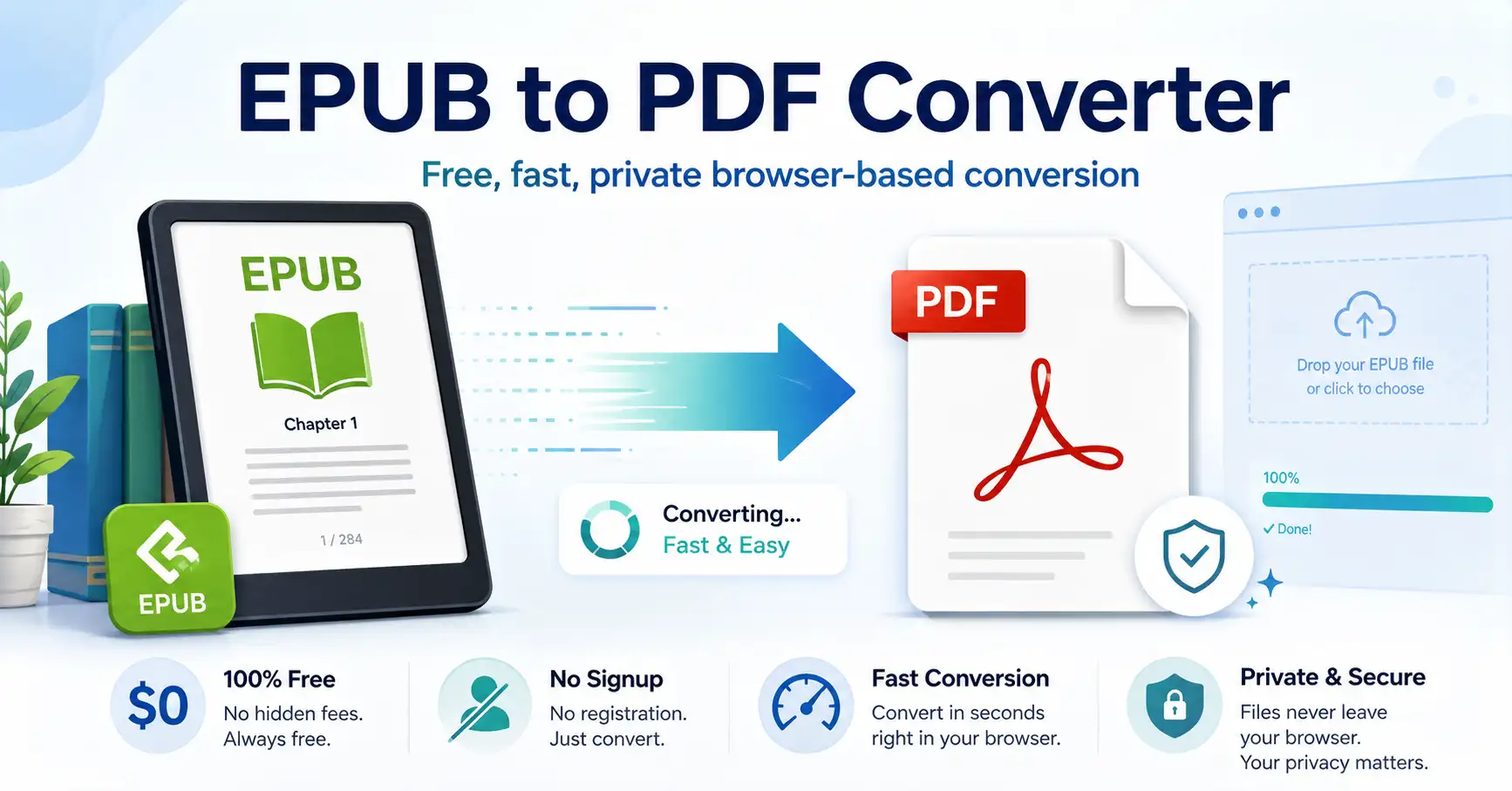
If you only need to convert epub to pdf free without installing anything, an online tool is your fastest route. You upload the file, wait a few seconds, and download a finished PDF. No software, no learning curve. This is where a solid epub to pdf converter online free tool earns its keep. On GoDocLab, the process is exactly three steps: upload your EPUB, let the converter do its work, and grab your PDF. No sign-up walls, no watermark stapled onto your document, no waiting around for an email link that never arrives. Online converters are the right call when:
You're converting a one-off file and don't want new software on your laptop
You're on a phone or Chromebook that can't run desktop programs
You need the PDF in the next two minutes, not after an install
If your file has sensitive or private content, it's still worth checking that whatever online epub to pdf converter you pick actually deletes uploaded files after processing, rather than storing them indefinitely.
Calibre EPUB to PDF Converter: The Free Desktop Heavyweight
If you convert ebooks regularly, calibre epub to pdf converter setups are the classic answer, and for good reason. Calibre is free, open source, and runs on Windows, Mac, and Linux. It's less a converter and more a full library manager that happens to convert formats too. Here's how the converting epub to pdf process looks in Calibre:
Open Calibre and click "Add books" to import your EPUB file
Select the book, then click "Convert Books"
Choose PDF as your output format
Adjust margins, fonts, or page size if you want
Click OK and let it process
The upside is control. You can tweak the table of contents, set exact margins, and batch-convert dozens of files at once. The downside is that Calibre has a slightly dated interface, and DRM-protected EPUB files need extra steps before they'll convert at all. Calibre suits people who convert books often and don't mind a small learning curve for the extra control it gives you.
Adobe EPUB to PDF Converter and Acrobat-Based Options
A lot of people search for an adobe epub to pdf converter assuming Adobe has a dedicated one-click tool for this exact job. It doesn't, not directly. Adobe's ebook tools are built around Digital Editions for reading EPUB files, while Acrobat handles PDF creation and editing. The practical route with Adobe software is to open your EPUB content in a program that can export it (like an ereader app or InDesign if you built the ebook yourself), then use Acrobat's print-to-PDF function to lock in the layout. It works, but it's more of a workaround than a purpose-built converter. If you're specifically looking for something built to convert an epub to pdf in one direct step, dedicated converters (either Calibre or an online tool) will usually get you there faster than piecing together an Adobe workflow.
CloudConvert and Zamzar: The Established Online Converters
Two names come up constantly in this space: cloud convert epub to pdf and zamzar epub to pdf converter. Both are legitimate, well-known online conversion services that support dozens of file formats, not just ebooks. CloudConvert leans toward developers and power users. It offers an API, so businesses can automate bulk conversions as part of a larger workflow. Zamzar has been around since the mid-2000s and built its reputation on being simple: upload, convert, get an email with your download link. Both work fine for occasional use. Where they can get annoying is file size caps on free tiers, and the fact that some features (batch processing, larger files) sit behind a paid plan. If you just need a free online epub to pdf converter for a single file, you often don't need to hand over payment details to make that happen.
Best EPUB to PDF Converter for Different Needs
There's no single best epub to pdf converter for everyone, because "best" depends on what you're actually doing. Here's a quick way to think about it:One quick file, no install: an online tool like GoDocLab handles this in under a minute
Regular ebook conversions with formatting control: Calibre is the free, open-source workhorse
Business workflows needing automation: CloudConvert's API fits that use case
DRM-protected files: these need the DRM removed first, in most cases through Calibre, before any converter can touch them
Matching the tool to the task saves you the frustration of installing heavy software for a job that takes ten seconds online, or fighting a lightweight web tool for something that really needed batch processing.
How Do You Convert EPUB to PDF: A Simple Walkthrough
If you're wondering how do you convert epub to pdf without any prior experience, here's the fastest path using an online tool:Go to a trusted epub to pdf file converter site
Upload your EPUB file directly from your device or cloud storage
Wait for the conversion to process (usually seconds for smaller files)
Download the finished PDF
Open it to confirm formatting, images, and chapter breaks look right
That's it. No plugins, no command line, no digging through settings menus. This is exactly why so many people searching how to convert an epub file to pdf land on browser-based tools first, before ever considering desktop software.
Common Mistakes People Make During Conversion
A few things trip people up every time they try to convert epub file to pdf:
Ignoring DRM. If your EPUB came from a paid store like Kindle or Kobo, it may be locked. No converter, free or paid, can touch a DRM-protected file until that lock is removed through legitimate means.
Skipping the preview. Always open the finished PDF before sending it anywhere. Complex layouts, embedded images, or unusual fonts can sometimes shift during conversion.
Uploading sensitive documents to unknown sites. Not every epub to pdf converter online deletes your file after processing. If privacy matters, check the tool's data policy first, or convert offline with Calibre instead.
Assuming free means limited. Plenty of epub to pdf converter freeware and free web tools handle standard conversions just fine. You don't need a paid subscription for a basic ebook-to-PDF job.
Wrapping Up
Whether you're a student converting a textbook, a writer preparing a manuscript, or someone just trying to read a book on a device that refuses to open EPUB files, the fix is straightforward. For quick, no-install conversions, an epub to pdf converter online free tool like the one on GoDocLab gets the job done in a couple of clicks. For regular, detailed work, Calibre remains the free desktop standard.
Pick based on how often you'll use it, not just what shows up first in a search. Your EPUB file, and whoever you're sending that PDF to, will thank you.