
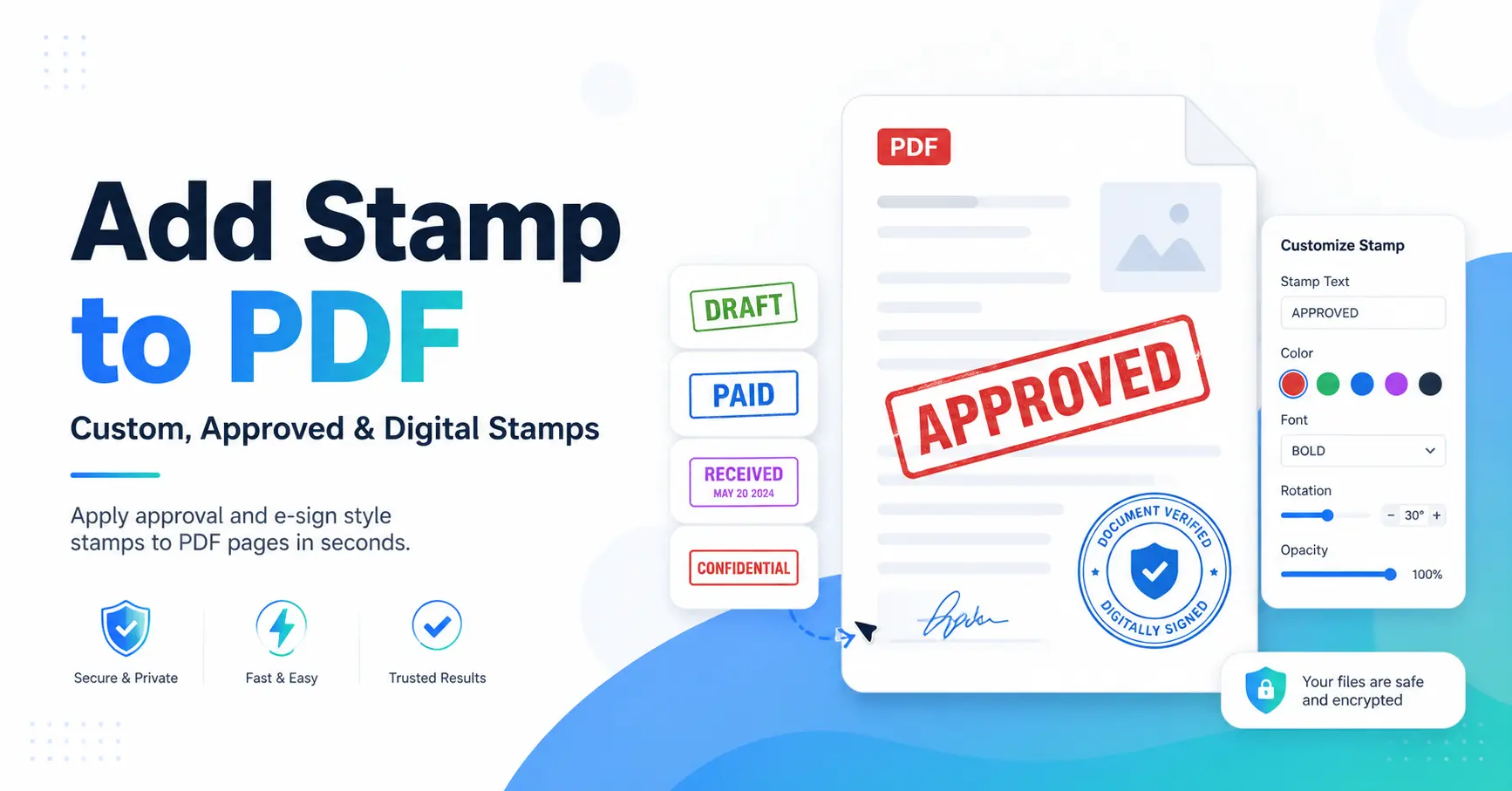
How to Add Stamp to PDF: A Complete Guide for Beginners and Professionals
PDF files are used everywhere, from business forms and invoices to legal papers and school documents. A simple stamp can help people know the status of a file without reading every page. A stamp can show approval, payment status, review notes, confidentiality warnings, or ownership details.
The technique of adding a stamp to a PDF is simpler than most people realize. You do not need advanced technical skills. With the right PDF tool, you can place a stamp in a few clicks and keep your documents organized.
GoDocLab provides simple document tools that help users manage PDF tasks with less effort. You can visit GoDocLab to explore PDF solutions.
What Is a PDF Stamp?
A PDF stamp is a visual mark placed on a PDF document. It works like a traditional rubber stamp used on paper documents. The difference is that a PDF stamp is added digitally, so you can apply it without printing a file.
People use stamps for many reasons:
• Showing that a document is approved
• Marking a file as confidential
• Adding company information
• Showing payment status
• Adding signatures or review notes
• Tracking document changes
PDF stamps are a type of annotation. Annotations are PDF features used for comments, evaluations, and other marks added to documents, according to the PDF Association.
Why Should You Add a Stamp to a PDF?
A stamp saves time and makes document handling easier. For example, a finance team can mark invoices as paid instead of writing notes manually. A legal team can label pages with exhibit numbers. A manager can approve documents without printing them.
A clear stamp also reduces confusion. A person opening the file can quickly see its status.
Common examples include:
• add approved stamp to pdf for reviewed documents
• add paid stamp to pdf for completed payments
• add confidential stamp to pdf for private files
• add draft stamp to pdf for unfinished documents
• add company stamp to pdf for official business files
How Do I Add a Stamp to a PDF?
Many users search for how do i add a stamp to a pdf because they want a quick solution. The exact steps depend on the PDF software you use, but the general process stays almost the same.
Follow these steps:
Step 1: Open Your PDF File
Open your PDF document using a PDF editor or online PDF tool.
Make sure you are using the correct file before adding the stamp. It is always a good idea to save a copy first.
Step 2: Select the Stamp Tool
Find the stamp option in your PDF editor. Most tools place this option under editing, comments, or review features.
For instance, users can choose a stamp, attach it to a document, change its size, and modify its appearance using Adobe Acrobat.
Step 3: Choose Your Stamp
You can select a ready-made stamp or create your own.
Popular options include:
• Approved
• Reviewed
• Paid
• Confidential
• Draft
• Copy
• Signature
Step 4: Place the Stamp
Click on the area where you want the stamp to appear. You can usually move, resize, or adjust the stamp after placing it.
Step 5: Save the PDF
After checking the position and appearance, save the updated file.
That is it. Your stamped PDF is ready.
How to Add a Custom Stamp to PDF
Many businesses need their own stamp style. A company may want a logo, department name, or special approval mark.
To add custom stamp to pdf, you can create an image or PDF stamp file and upload it into your PDF editor.
A custom stamp may include:
• Company logo
• Employee name
• Approval message
• Date
• Signature image
• Department details
How to Add a Digital Stamp to PDF
The process usually involves selecting a digital stamp option, choosing the correct mark, and placing it on the document.
A digital stamp can include extra details such as:
• Name
• Date
• Time
• Approval status
For documents that need stronger proof of identity, users often combine stamps with digital signatures.
How to Add Signature and Stamp to PDF
Many professional documents need both a stamp and a signature.
Common searches include:
• how to add signature stamp to pdf
• How to sign and stamp a PDF
• How to add a stamp and sign to a PDF
The basic process is simple:
1. Open the PDF.
2. Add your signature.
3. Place the stamp near the signature area.
4. Save the document.
A signature shows who approved a document, while a stamp can show the document status.
How to Add a Date Stamp to PDF
Dates help track document history. A date stamp can show when someone approved, reviewed, or processed a file.
Users often search how to add a date stamp to a pdf because dates are important for records.
A date stamp can include:
- • Current date
- • Review date
- • Payment date
- • Submission date
Some PDF tools also allow automatic date and time information
How to Add Time Stamp to PDF
A time stamp records the exact time connected with a document action.
People use time stamps for:
- • Contracts
- • Legal records
- • Reports
- • Business approvals
If you search how to add time stamp to pdf signature, you are usually looking for a way to connect signing activity with a specific time.
How to Add Stamp to Multiple PDF Pages
Large documents often need the same stamp on every page.
For example, a company may want to add stamp to every page pdf or add stamp to all pages of a pdf.
The usual method:
- 1. Select your stamp.
- 2. Place it on one page.
- 3.Use the duplicate or apply-to-pages option.
- 4. Select the required pages.
Some PDF programs support copying stamps across selected pages.
This feature saves a lot of time compared with adding stamps one page at a time.
Different Types of PDF Stamps You Can Use
Different documents need different stamps. Here are some common choices.
Approval Stamps
Approval stamps show that a person checked and accepted a document.
You may search:
add approved stamp to pdf
These stamps are common in business workflows.
Payment Stamps
Invoices often need payment labels.
A user may need to:
add a paid stamp to a pdf
This quickly shows that an invoice has been completed.
Confidential Stamps
Private documents often need warning labels.
A confidential stamp reminds readers that they should handle the file carefully.
Bates Stamps
Legal and office teams often use Bates numbering to organize large document collections.
Users searching add bates stamp to pdf usually need numbered labels for document review.
Exhibit Stamps
Court documents may require exhibit labels.
An add exhibit stamp to pdf feature helps users mark pages clearly.
Can You Add a Stamp to PDF Online?
Yes, many online PDF tools allow users to upload a file, add a stamp, and download the updated document.
People often search:
- add stamp to pdf online
- add stamp to pdf free online
- add stamp to pdf online free
Online tools are useful for quick tasks. For sensitive files, users should choose services that protect uploaded documents and explain their privacy rules.
Can You Add a Stamp to PDF Free?
Free options are available for basic stamping tasks.
You can use free tools to:
- · Add simple text stamps
- · Place approval marks
- · Add dates
- · Add images
However, advanced features such as custom workflows, business stamps, and large document processing may require paid software.
How to Add a Picture Stamp on a PDF File
A picture stamp can include a logo, handwritten mark, or company image.
To add a picture stamp on a pdf file:
1. Prepare your image.
2. Open the PDF editor.
3. Upload the image as a stamp.
4. Place it in the correct location.
5. Save the file.
Using a clear image helps the stamp look professional.
Adding Stamps in Different PDF Programs
Different PDF applications have their own steps.
Users often search:
· how to add stamp in pdf
· how to add stamp in pdf xchange editor
· how to add stamp in nitro pdf
· add stamp to pdf mac
The main idea stays the same: open the file, select the stamp feature, place the mark, and save.
Common Mistakes to Avoid When Adding PDF Stamps
Adding a stamp looks simple, but small mistakes can create problems.
Avoid these mistakes:
Using a Stamp That Covers Important Text
Always check the stamp position. A large stamp can hide important information.
Using Low-Quality Images
A blurry logo or signature can make a document look unprofessional.
Forgetting to Save a Copy
Keep the original file before editing. This helps if you need the unstamped version later.
Using Too Many Stamps
A document filled with too many marks can become hard to read. Use stamps only where they add value.
Final Thoughts
Learning how to add stamp to pdf can make document work faster and easier. Whether you need an approval mark, payment label, signature stamp, or company seal, PDF stamping helps organize information clearly.
The right tool lets you add stamps, create custom marks, and manage documents without complicated steps. For simple PDF tasks, tools like GoDocLab can help users complete work quickly and keep files ready for sharing.
A good PDF stamp does one job well: it tells the reader something important at a glance.