
Blog
How to Add a Paid Stamp to a PDF Invoice Without Ruining the Original
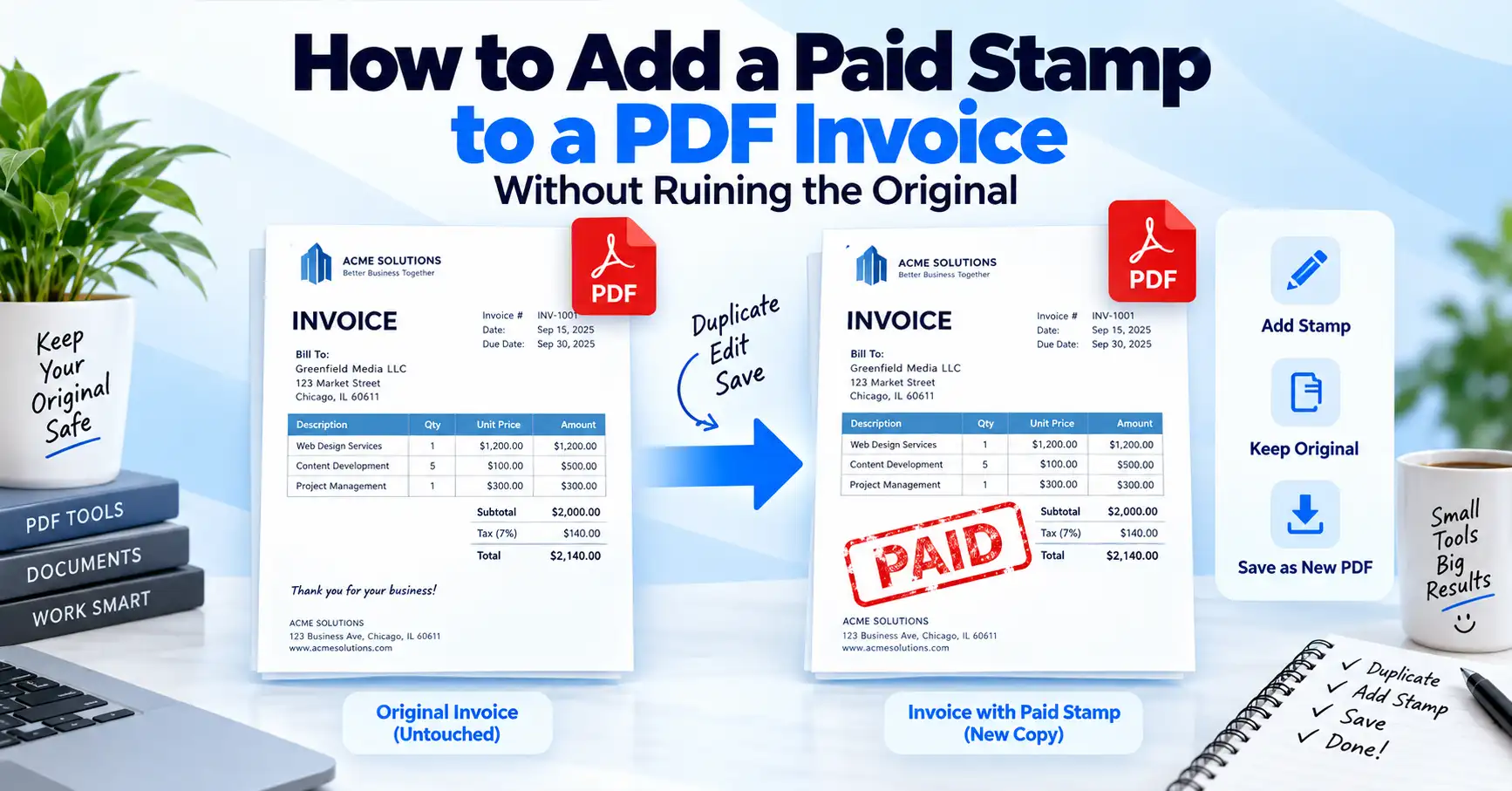
Every accounts team has that one folder. Forty invoices, half of them settled, and nobody can remember which. Somebody eventually opens a spreadsheet, and the spreadsheet lies.
A stamped invoice solves this in about nine seconds. When you add a paid stamp to a PDF invoice, the payment status travels with the document itself, not with a filename or a memory. Open the file six months later and the answer is right there in red.
This guide covers what a stamp really is inside a PDF, how to apply one properly, and the one step most people skip that quietly ruins the whole thing.
What a "PAID" Stamp Actually Is Inside a PDF File
A stamp is not a drawing you paste on top. The PDF format defines a proper rubber stamp annotation — a real object type the specification reserves for exactly this job.
Apryse's developer documentation explains that stamp annotations let users place an image annotation onto any page of a document, and the PDF specification itself defines a standard set of rubber stamps. Aspose describes the same object as an annotation that displays text or graphics intended to look as if they were stamped on the page with a rubber stamp. apryseaspose
That heritage matters. Because the stamp is a defined annotation type, Adobe Acrobat, Preview, Chrome, and your client's ancient office scanner all render it the same way. No mystery boxes, no missing graphics.
Why Finance Teams Bother to Mark an Invoice as Paid
The obvious reason is memory. The better reason is friction. A stamped copy ends the "did this clear?" email thread before it starts, because the proof arrives attached.
It also protects you from the world's most awkward business message: chasing a client for money they already sent. When you mark an invoice as paid on the document, your accounts receivable pile stays honest even when three people are working the same inbox.
And clients notice. Sending back a stamped copy after payment looks organised in a way that costs you nothing.
Stamp vs. Watermark vs. Plain Text: Pick the Right Tool
People mix these up constantly, then wonder why their invoice looks like a ransom note. Here is the honest comparison.
For a one-page invoice, the stamp wins. For a fifty-page contract annex, reach for a watermark tool instead — our guide to adding a watermark to a PDF breaks down when that makes more sense.
How to Add a Paid Stamp to a PDF Invoice in Six Steps
The process below uses a browser-based PDF stamp tool, so nothing gets installed and nothing sits on a shared drive waiting to be forgotten.
Open the stamp tool. Head to GoDocLab's PDF stamp tool and upload the invoice you want to mark.
Choose or upload your stamp. Use a standard PAID stamp, or upload a PNG of your own with a transparent background for a branded look.
Place it where it belongs. Top-right corner or bottom-left margin. Never across the total or the bank details.
Set the angle and opacity. A slight tilt reads as a real stamp. Around 70–80% opacity keeps the figures underneath readable.
Add the payment date. A stamp that says PAID tells you half the story. A stamp that says PAID 14 MAR 2026 ends the argument.
Flatten and download. This is the step people skip. More on it below, because it genuinely matters.
If you also need to sign the document, the same workflow pairs neatly with a digital ID for anything a client might later question.
Flatten It, or Your Paid Stamp Is Just a Sticky Note
Here is the part nobody mentions. An annotation is a layer. Layers move. Layers delete. Anyone with a free PDF reader can drag your PAID stamp across the page or remove it entirely, and the invoice underneath will look untouched.
Flattening merges that annotation into the page content, so the stamp stops being a separate object and becomes part of the document. After flattening, a casual reader cannot nudge it, and a reasonably careful one cannot delete it without leaving obvious damage.
Think of it as the difference between a Post-it note and ink. Both say the same thing. Only one survives the journey. For extra protection on files leaving your office, layer on password protection or restrict editing through PDF permissions.
Build a Custom Stamp Template You Can Reuse Forever
Applying the same stamp forty times a month by hand is a waste of a perfectly good afternoon. Build the asset once instead.
Design a transparent PNG at roughly 600 pixels wide with your company name, the word PAID, and space for a date. Convert the artwork with an image-to-PDF tool if you want a vector-friendly version, then save it as your house stamp.
Keep the file colour simple. Red and dark green photocopy cleanly; pastel gradients turn into grey smudges the moment someone prints the thing.
What a Paid Stamp Does Not Do
Time for the unglamorous truth. A stamp is a label, not a legal instrument. It records a status you already know to be true — it does not prove payment on its own.
Real proof lives in your bank record, the payment gateway receipt, or the cleared cheque. The stamped invoice is the human-readable summary sitting on top of that evidence, which is exactly why the two should be filed together.
Anyone claiming a PAID stamp is legally binding by itself is selling something. Treat it as excellent bookkeeping hygiene, not as a substitute for a transaction record.
Keep the Stamped Copy: Retention Rules Are Not Optional
Once you add a paid stamp to a PDF invoice, that file becomes part of your tax record, and tax authorities have opinions about how long you hold onto it.
The IRS guidance on business recordkeeping states that you should keep records for 3 years in ordinary circumstances, while employment tax records should be kept for at least 4 years after the date the tax becomes due or is paid, whichever is later. The window stretches further in specific cases — 6 years if you underreport income by more than 25% of the gross income shown on your return. How long should I keep records? +2
Three years is longer than most laptops survive. Convert archived invoices to PDF/A, the ISO archival format, and store them somewhere that still exists after your next hardware refresh. Scanned paper invoices should pass through OCR first so the text stays searchable.
Mistakes That Make a Stamped Invoice Look Careless
Covering the numbers. A stamp over the total defeats the purpose of the document.
Skipping the date. PAID without a date is a rumour, not a record.
Forgetting to flatten. Covered above, and still the most common error by a distance.
Stamping the wrong invoice. Check the invoice number before you click, not after you email.
Using a 4MB stamp image. Your 200KB invoice does not need to weigh more than a photo album — run it through a compression tool if it does.
Losing the unstamped original. Keep both copies. Auditors appreciate the courtesy.
Bundling Stamped Invoices for Month-End
At close, nobody wants forty separate attachments. Combine the month's stamped invoices into one file with a PDF merge tool, then add page numbers so your accountant can reference page 23 instead of "the Henderson one".
If your bookkeeping runs through accounting software, our walkthrough on converting a PDF bank statement to CSV pairs well with this workflow for reconciliation.
FAQs
Frequently asked questions
Yes. Browser-based tools handle it without a subscription, and you can explore the wider PDF toolkit for related tasks.